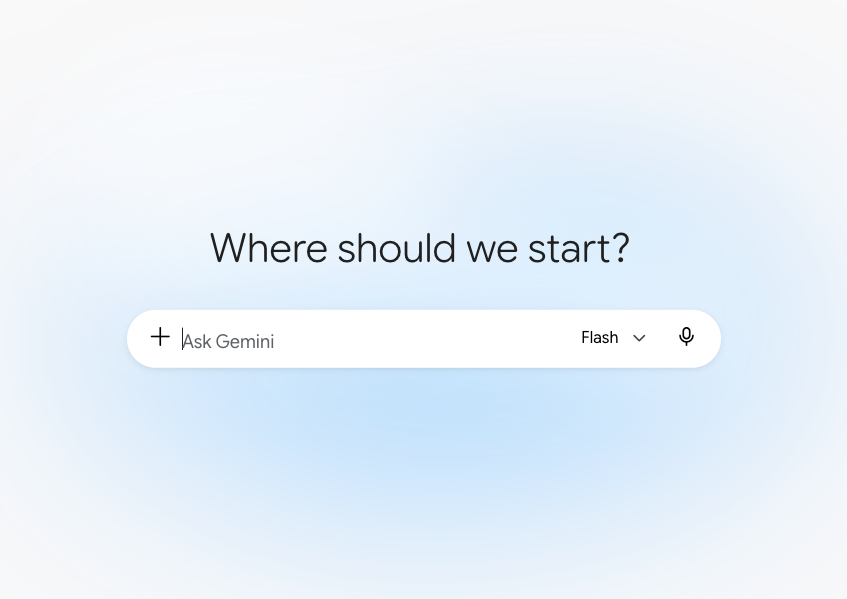




Let’s chat about it.
Adobe is rolling out a connector that lets Google Gemini use tools from Photoshop, Lightroom, Express and Firefly. You type what you want. Gemini reads the request, and Adobe picks the tools and does the imaging work behind the scenes.
Claude, ChatGPT, Microsoft Copilot, and Slack all have similar connections.
And now…Gemini. It’s Gemini’s first step into Adobe integration. Gemini uses a curated set of Adobe actions in what Google calls a Connected App.
Adobe says the connector can do some things but not all, with more tools on the way.
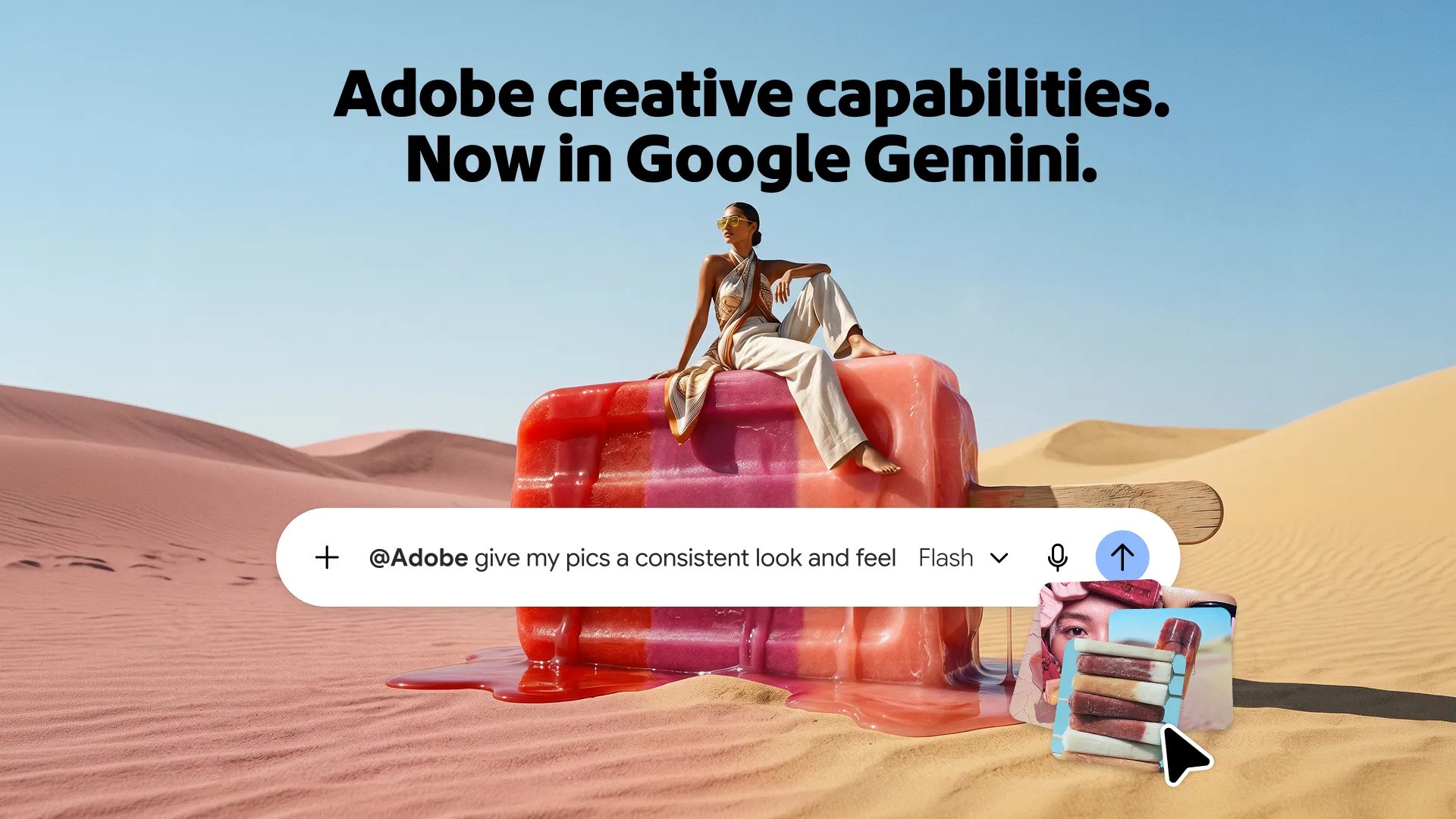
What’s the Deal?
LLMs and chatbots can now control software programs like Adobe. Adobe and Gemini (Google) now work together to take your input.
Here are the basics about Adobe’s and Google’s new connection :
- Rollout: global, since September 24, 2026, across all Gemini plans, minus regions restricted by Adobe trade compliance
- Language: English only for now
- Accounts: a Gemini account plus an Adobe account. A free Adobe account connects you but most tools require an eligible paid Adobe plan
- Google’s fine print: personal Google accounts only, 18 or older, supported countries. Work and school accounts aren’t supposed to be used
- Platforms: Gemini on the web and in the mobile apps
Setup: In Gemini, open Settings, choose Personal Intelligence, then Connected Apps, and toggle Adobe on. Sign in to your Adobe account. Then type @Adobe, attach your photos and describe what you want.
To note: on the Gemini web app and iOS, Connected Apps only work with Google’s Keep Activity setting turned on. This involves privacy.
What It Does Well Today
Adobe suggests these jobs for Gemini:
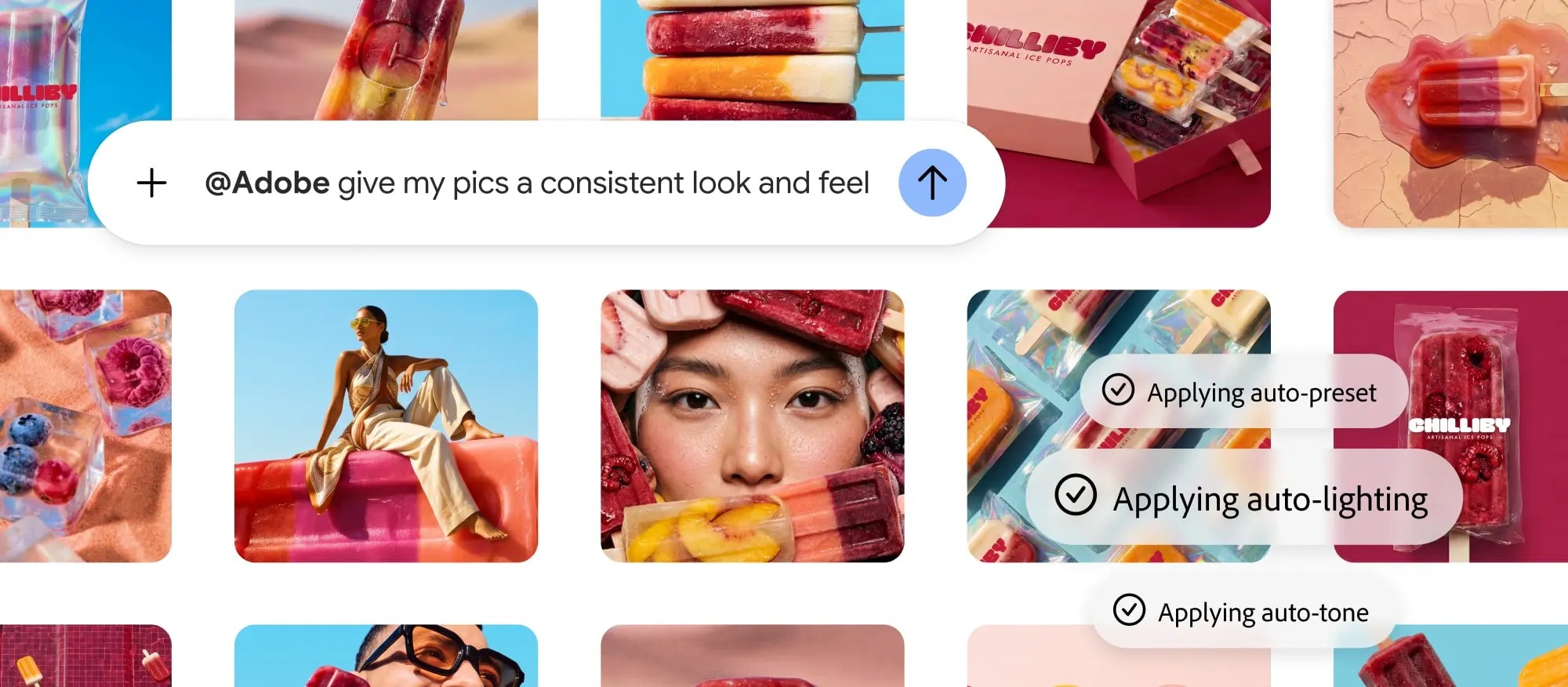
- Photo adjustment: change lighting, color and tone on one image or many
- Batch Work: apply the same look, crop or Lightroom preset across a group. Product photography is what Adobe’s is touting
- Sizing Social variants: turn one photo or design into versions sized for Instagram, TikTok, Facebook and e-commerce
- Express templates: find and customize templates with your own text, colors and images
- Creative Cloud search: find, organize and summarize supported files in your Creative Cloud storage
- Generative work: background replacement, distraction removal, canvas expansion and mockups through Firefly, depending on the task
The connector works well after you’ve made the creative decisions.
What Adobe Hasn’t Mentioned
Here are some things to find out if they work:
- RAW or DNG development, camera profiles and lens corrections
- Lightroom Classic catalogs, collections, flags, ratings and virtual copies
- Local masks for subject, sky or luminosity
- Photoshop layers, smart objects, adjustment layers, blend modes and channels
- ICC profiles, soft proofing, CMYK conversion and print output
- 16-bit or 32-bit processing, HDR merges, panoramas and focus stacks
- Output specs like pixel dimensions, bit depth, compression and metadata retention
- An edit log showing what Gemini asked for and which Adobe tool carried it out
Is This a Real Workflow?
Let’s sort the jobs by how much I’d trust the connector right now.
Strong fit:
- Social deliverables: a 4:5 feed crop, a 9:16 Story, a square thumbnail and a banner, all cut from a final master
- Product batches: consistent lighting, neutral backgrounds and matching square crops for a storefront. But – check brand colors against a reference, because they may be a little off
- Concept mockups and client previews: alternate backgrounds, seasonal treatments and quick ad concepts Kind of like a visual sketchbook
- Routine corrections on selects: “Warm these 20 frames slightly and crop them all to 4:5”
Test before you trust it
They’ve said it’s not for pros – so it may not be for you.
- Event preview sets for quick client sneak peeks
- E-commerce batches at real volume
- Pulling and grouping files from Creative Cloud
Keep working in Lightroom and Photoshop
- Portrait finishing and skin retouching
- Exact product-color matching
- Layered commercial composites
- Fine-art and print masters
- Archival master files
- Any culling or sequencing where emotion, timing or story decides the pick
The Culling Question
You might be wondering whether Gemini can help you pick the keepers from a 2,000-frame shoot. Culling sits outside what Adobe documents for the connector. Adobe has a tool for it.
Assisted Culling in Lightroom and Lightroom Classic scores each frame for subject focus, eye focus and open eyes. It flags misfires, exposure problems and stray shots of documents and receipts, and it stacks similar frames together.
When you hover over a badge and it shows you why a photo passed or failed, and you can override it. In Lightroom Classic you can run it at import.
Adobe fine-tunes it for people photography (portraits, weddings, events and groups), and it comes with your existing Lightroom subscription.
The Trade-offs of Chat Work
Control
Adobe calls these “pro-grade” tools, and the engine underneath is real Adobe tech. The controls, though, are outcome-based. You ask for brighter and warmer, and you get brighter and warmer. What you may miss is which pixels changed, whether highlights clipped, or whether skin hues were off.
Repeatability
A preset gives you the same result every time. A sentence gets interpreted in different ways with different models. Small wording changes, or Adobe changes how it’s processing images. If a client comes back to you in six months asking for an exact match, a saved preset will help.
Credits
Adobe’s generative credits tie to your Adobe ID, they reset monthly and don’t roll over. Most standard generative features use one credit per generation, and premium features and partner models cost more.
Photoshop’s Generative Fill with Google’s partner models runs 10 to 40 credits depending on output size. Adobe hasn’t published a cost table tied to the connector, so not sure cost. Check your balance on your Adobe account page before you go for a big batch of images.
Privacy: Read This Before You Upload Client Work
Three separate sets of rules are in play.
- Adobe’s Firefly promise: Adobe trains Firefly on licensed content such as Adobe Stock plus public-domain material, and says it keeps customer content out of Firefly training. That’s good news (we hope).
- Google’s Gemini activity rules: with Keep Activity on, Gemini activity auto-deletes after 18 months by default, adjustable to 3 months, 36 months or never. Chats that human reviewers have seen can be kept for up to three years, stored apart from your account, even after you delete your activity
- The handoff: neither company spells out exactly where originals and derivatives live during the trip between Google and Adobe, or for how long
Remember that Keep Activity requirement?
On the web and iOS, using the Adobe connector means opting into Google’s activity rules. Disconnecting Adobe stops future access. It leaves past Gemini activity in place, so clear that separately and check Adobe’s account privacy controls too.
Here’s the rules I’d adopt today. Keep these types of projects out of the connector until you’ve read all the companies’ current terms and your own client contracts:
- Embargoed campaigns and unreleased products
- Confidential sets and NDA work
- Medical or sensitive documents
- Portraits of minors
- Large archives of identifiable faces
If you run a business – the connector runs on personal Google accounts under Google’s consumer privacy notice.
Copyright and Provenance
Firefly’s training approach is a real advantage for commercial work. Adobe also attaches Content Credentials, a tamper-evident record of how an image was made, to content generated with Firefly.
The question is what happens on the Gemini route. Do existing Content Credentials survive? Do your EXIF and IPTC fields make it through? How does a mixed photographic and generative edit get labeled?
Test before you make any authenticity claims to a client or contest. And under Adobe’s terms, you still carry responsibility for the rights to whatever you upload.
The Bigger Picture
Adobe now shows up inside ChatGPT, Claude, Copilot, Slack and Gemini and the bet is clear. More creative work will start in an assistant.
Adobe wants to be the engine doing the work.
Gemini reaches more than a billion people a month, so Adobe gets reach and Google gets creative tools. The risk for Adobe is that everyday editing becomes “ask Gemini,” and Photoshop slowly goes into the background.
The flip side feels just as real. Someone fixes a product shot in a chat, likes the result, hits the limits, and opens Lightroom for the first time. Adobe suggests that we start with chat as a starting point and getting into familiar with the apps is the place you go for depth and precision.
For us, a picture will always be worth a thousand words and the first one is CLICK.
Join the discussion in the forum.
Sources
- Adobe Blog: Adobe comes to Gemini and expands what you can do in Claude
- Adobe Help: Adobe for Google Gemini overview
- Adobe: Adobe for Google Gemini product page and FAQ
- Adobe Blog: Adobe for creativity connector is coming soon to Google Gemini (May 2026)
- Google: A new wave of Connected Apps is rolling out to Gemini
- Google: Gemini Apps Privacy Hub
- Google: Use Gemini Apps (Keep Activity and Connected Apps)
- Adobe Help: Select best photos with Assisted Culling in Lightroom Classic
- Adobe Help: Select best images while importing with Assisted Culling
- Adobe Help: Choose the best photos with Assisted Culling in Lightroom
- Adobe Help: Generative credits FAQ
- Adobe Help: Partner models in Adobe products
- Adobe: Our approach to generative AI with Adobe Firefly
- Adobe Help: Adobe Firefly FAQ
- PetaPixel: You Can Edit Your Photos With Lightroom and Photoshop Inside Google Gemini
- Notebookcheck: Google Gemini adds 14 connected apps, and 10 of them are US only
- PPC Land: Gemini gains Adobe’s Photoshop and Firefly tools on all plans





Elevate Your Vision


Read this story and all the best stories on The Luminous Landscape
The author has made this story available to Luminous Landscape members only. Upgrade to get instant access to this story and other benefits available only to members.
Why choose us?
Luminous-Landscape is a membership site. Our website contains over 5300 articles on almost every topic, camera, lens and printer you can imagine. Our membership model is simple, just $2 a month ($24.00 USD a year). This $24 gains you access to a wealth of information including all our past and future video tutorials on such topics as Lightroom, Capture One, Printing, file management and dozens of interviews and travel videos.
- New Articles every few days
- All original content found nowhere else on the web
- No Pop Up Google Sense ads – Our advertisers are photo related
- Download/stream video to any device
- NEW videos monthly
- Top well-known photographer contributors
- Posts from industry leaders
- Speciality Photography Workshops
- Mobile device scalable
- Exclusive video interviews
- Special vendor offers for members
- Hands On Product reviews
- FREE – User Forum. One of the most read user forums on the internet
- Access to our community Buy and Sell pages; for members only.
You may also like